Content Creation - tab settings
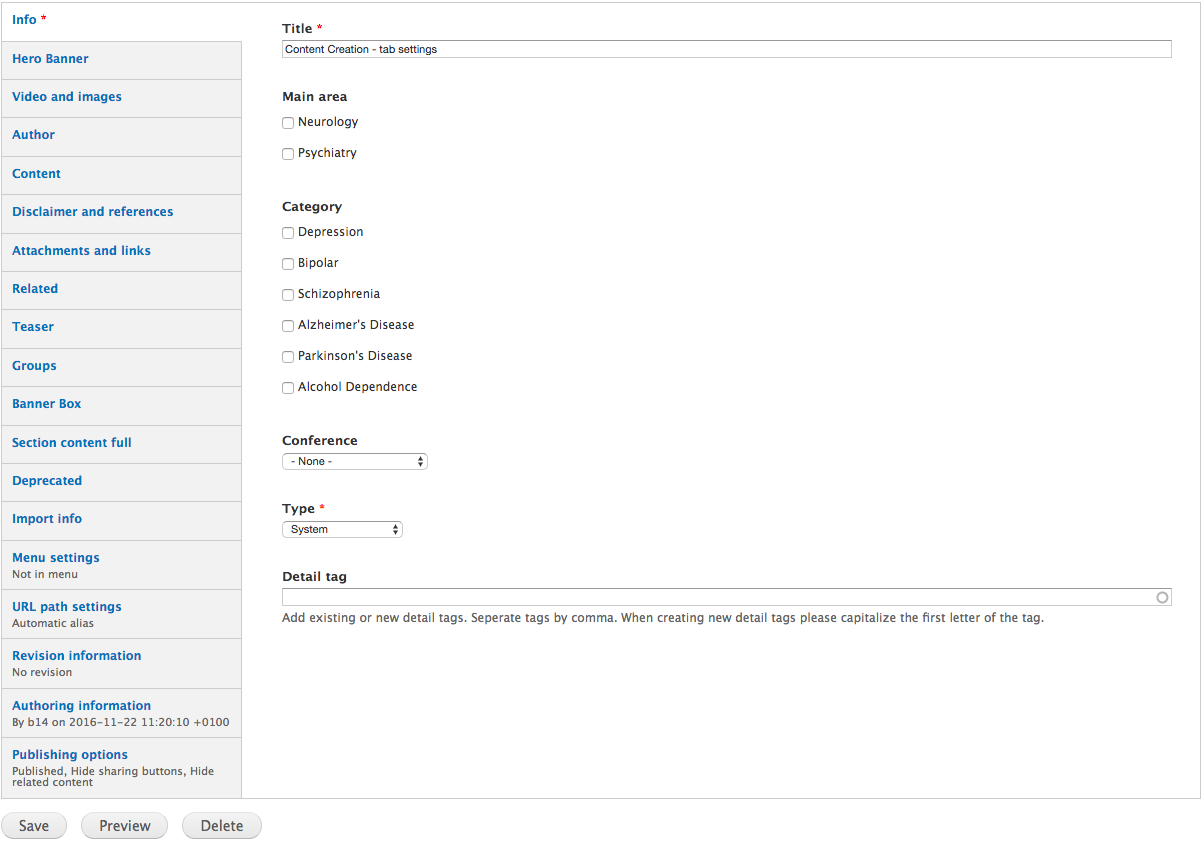
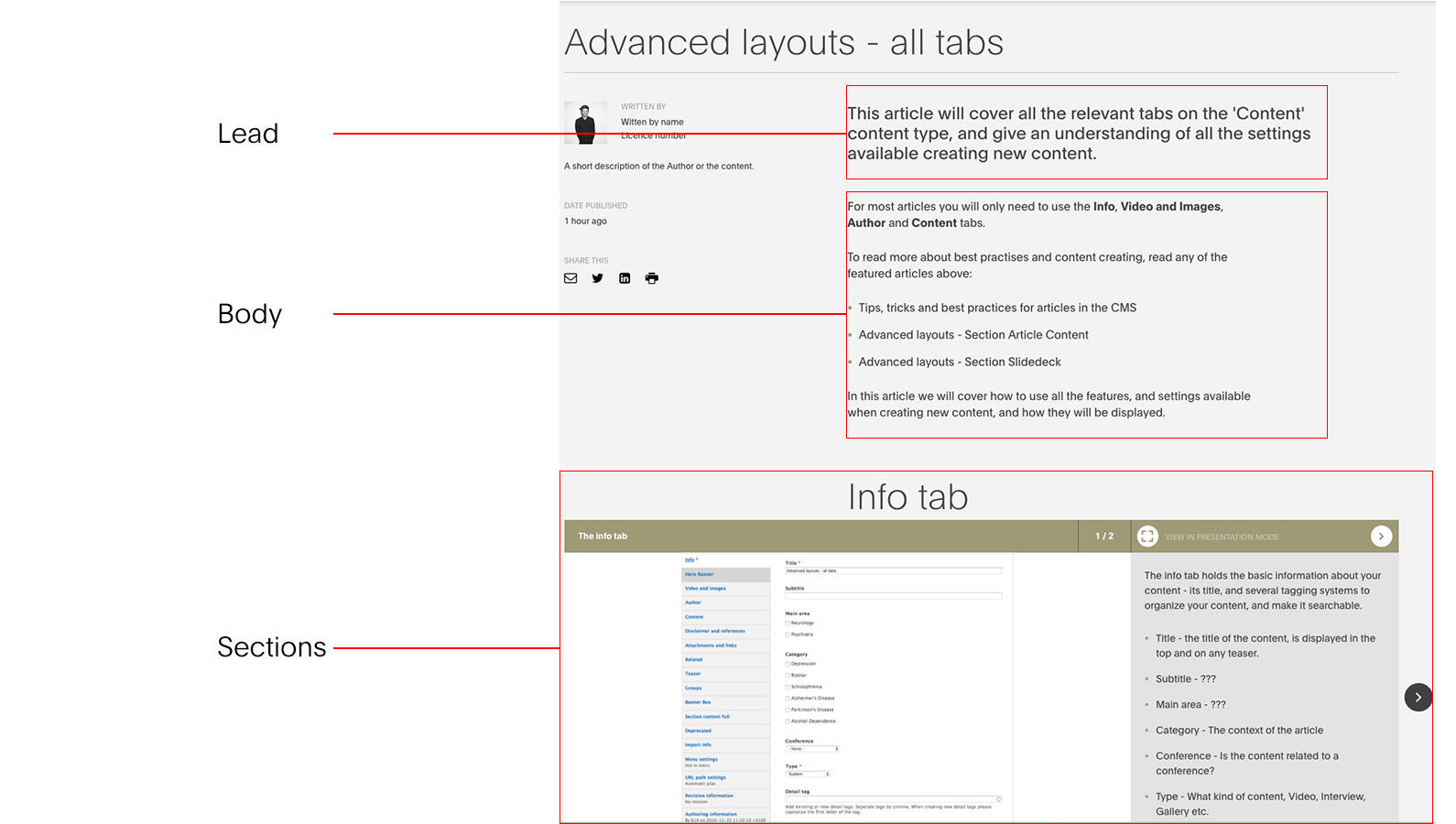
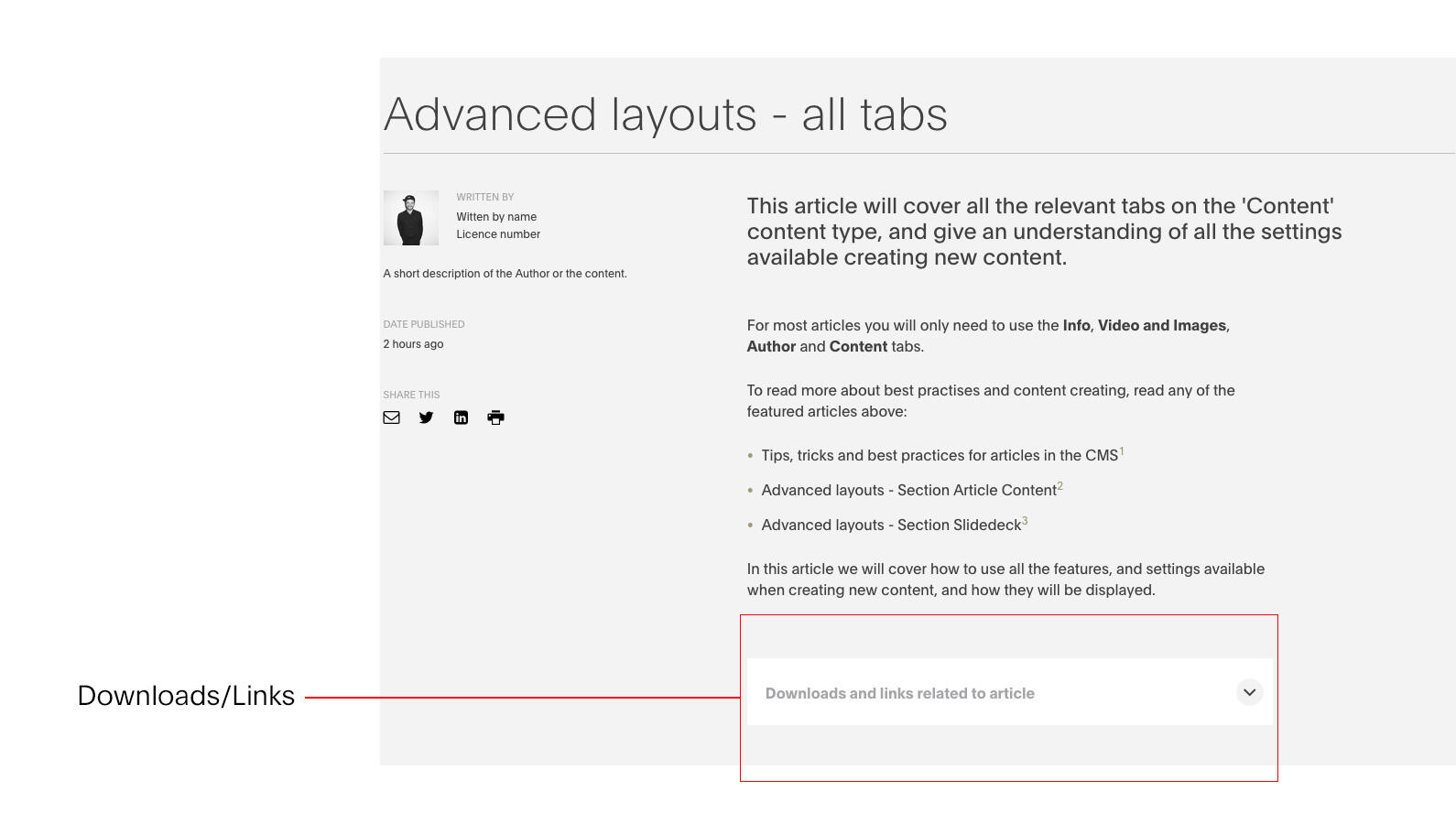
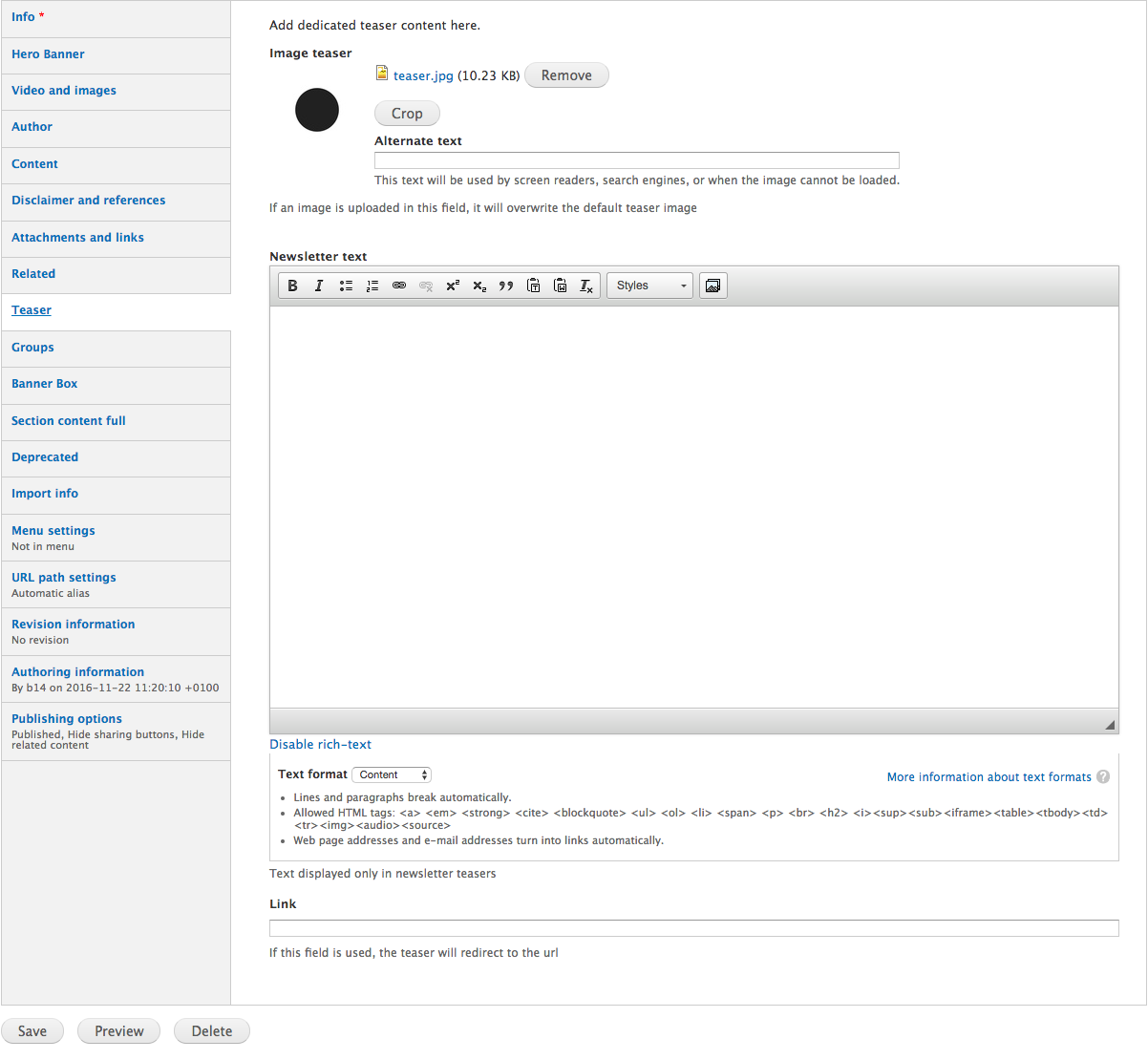
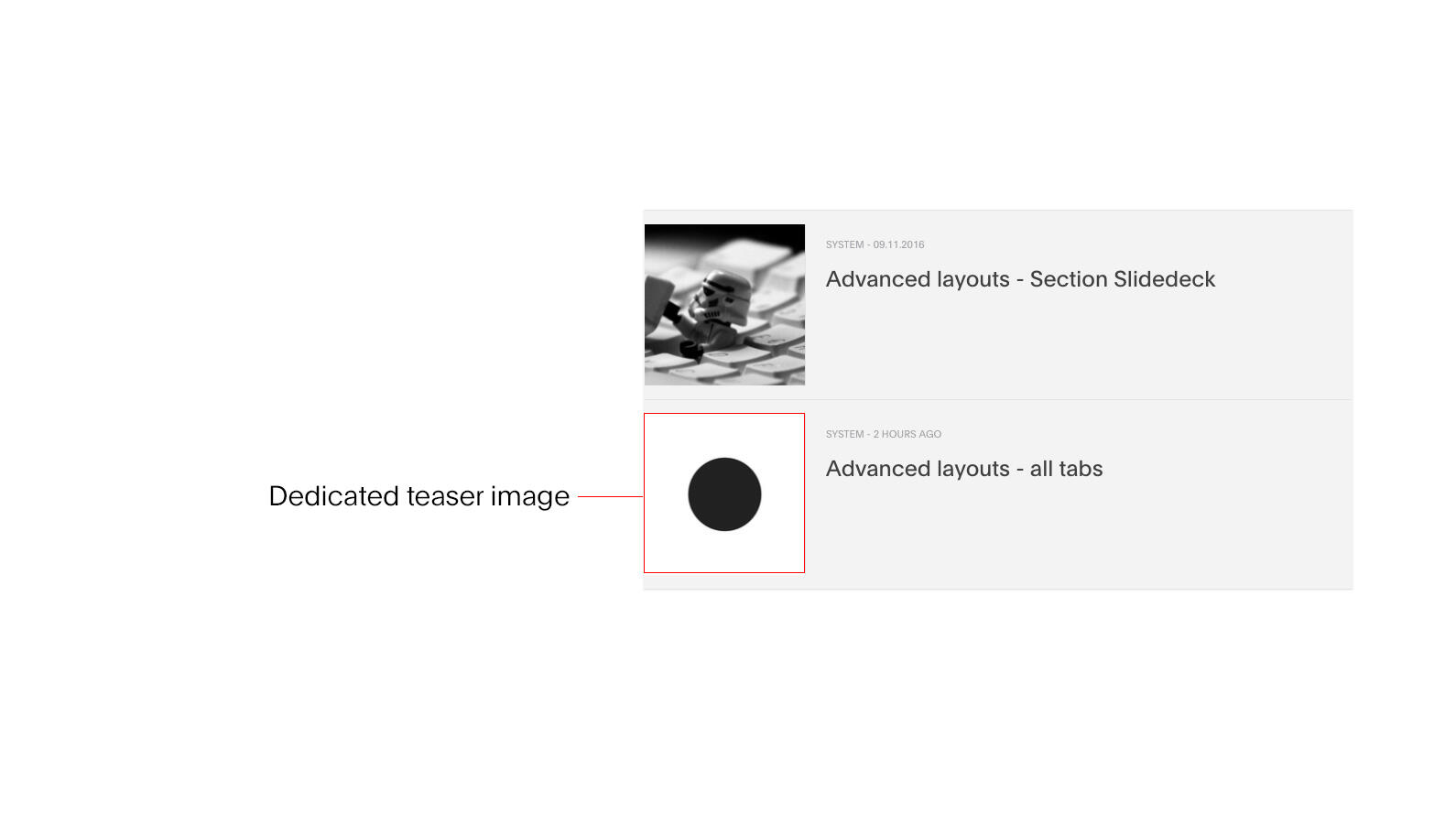
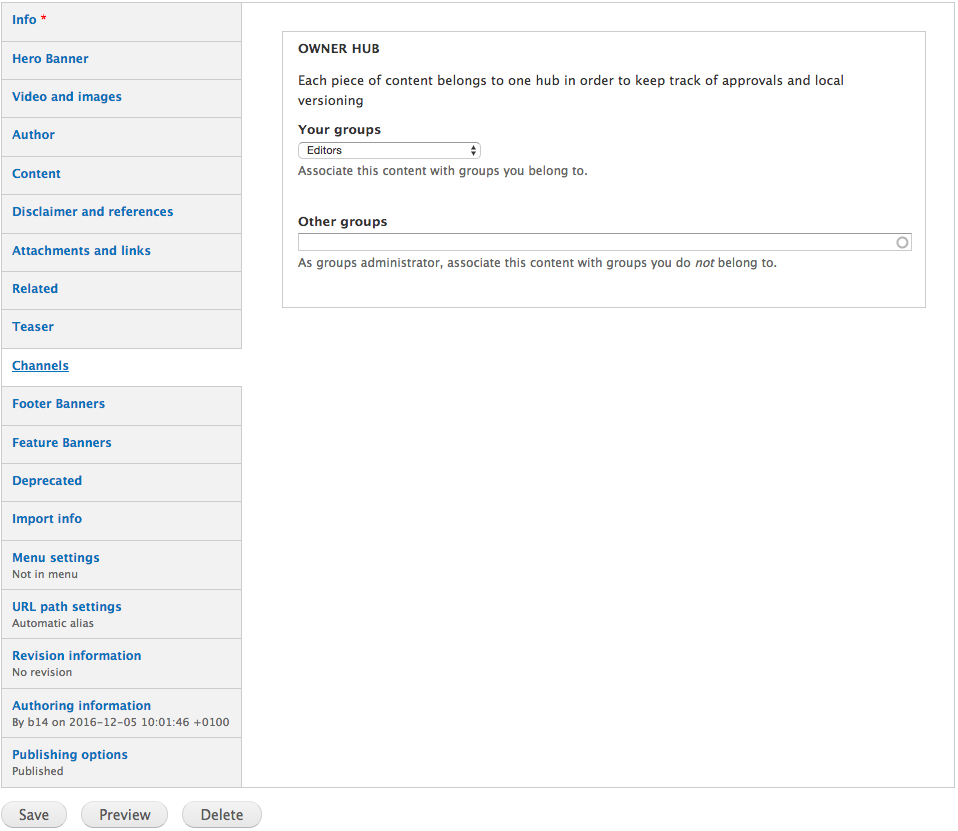
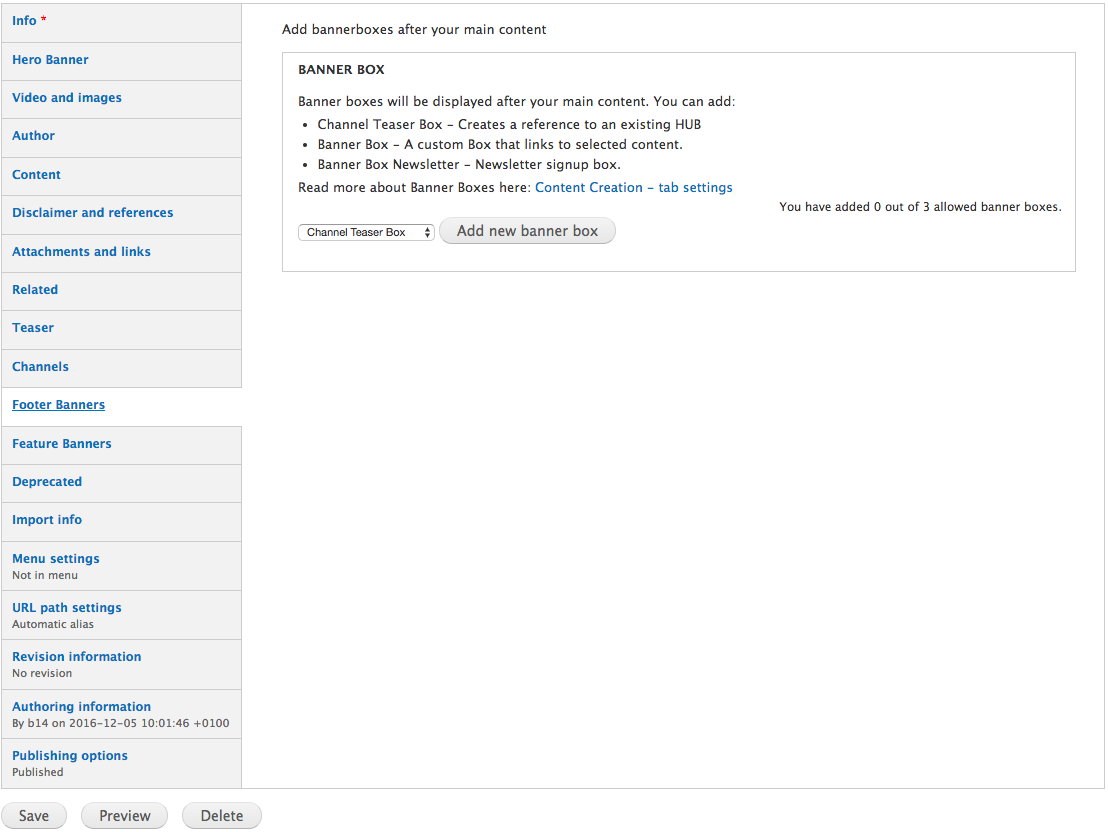
This article will cover all the relevant tabs on the 'Content' content type, and give an understanding of all the settings available creating new content.
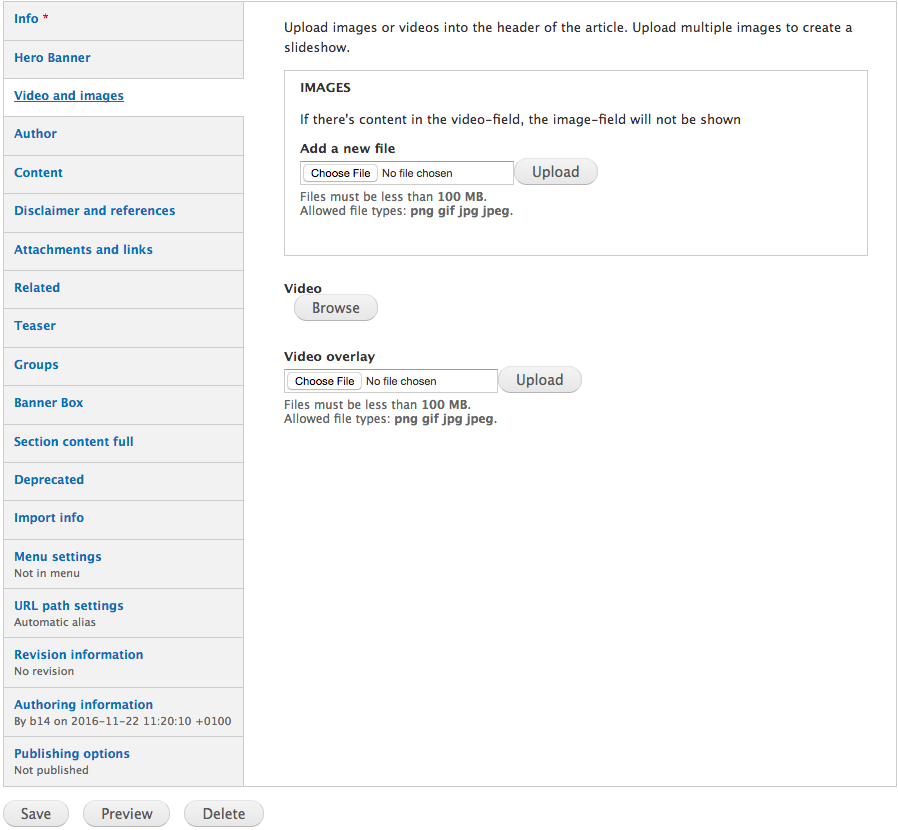
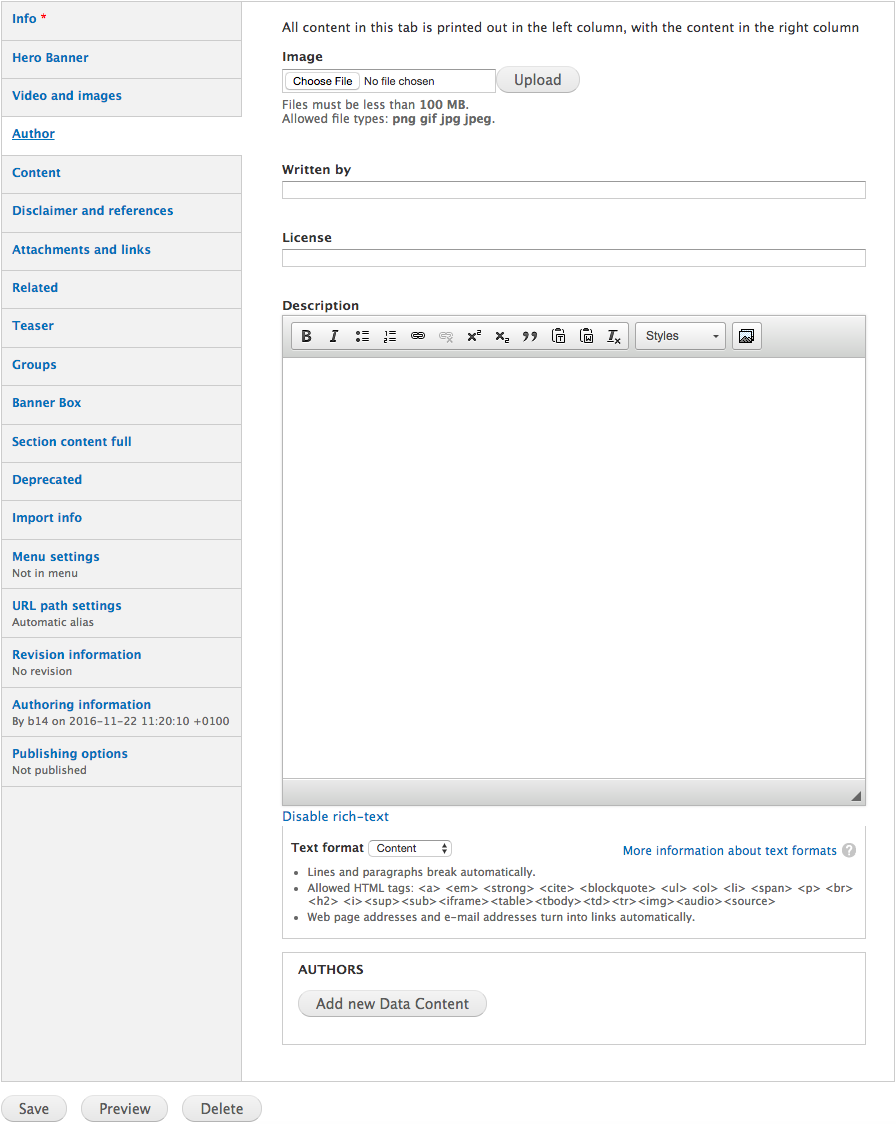
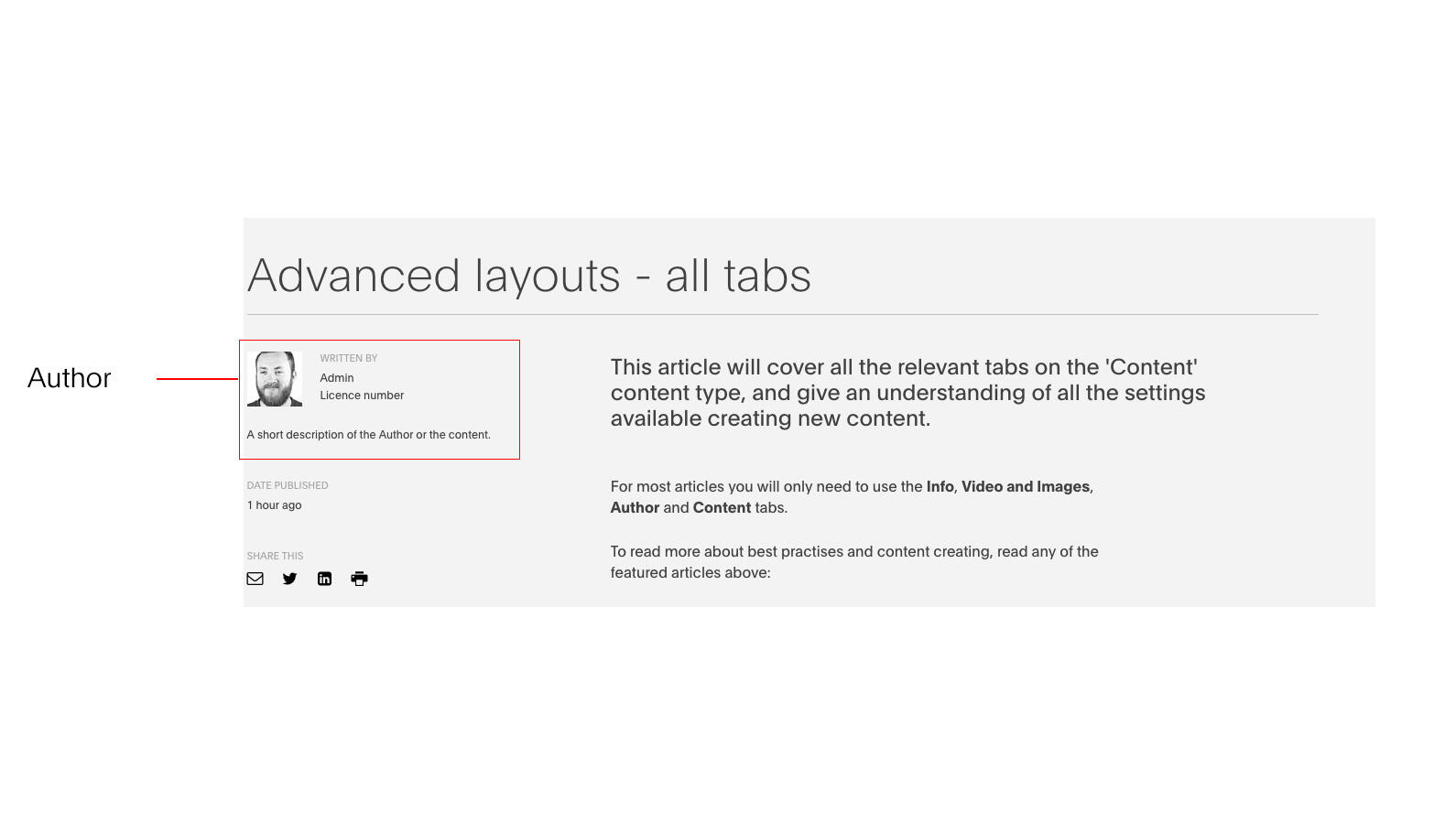
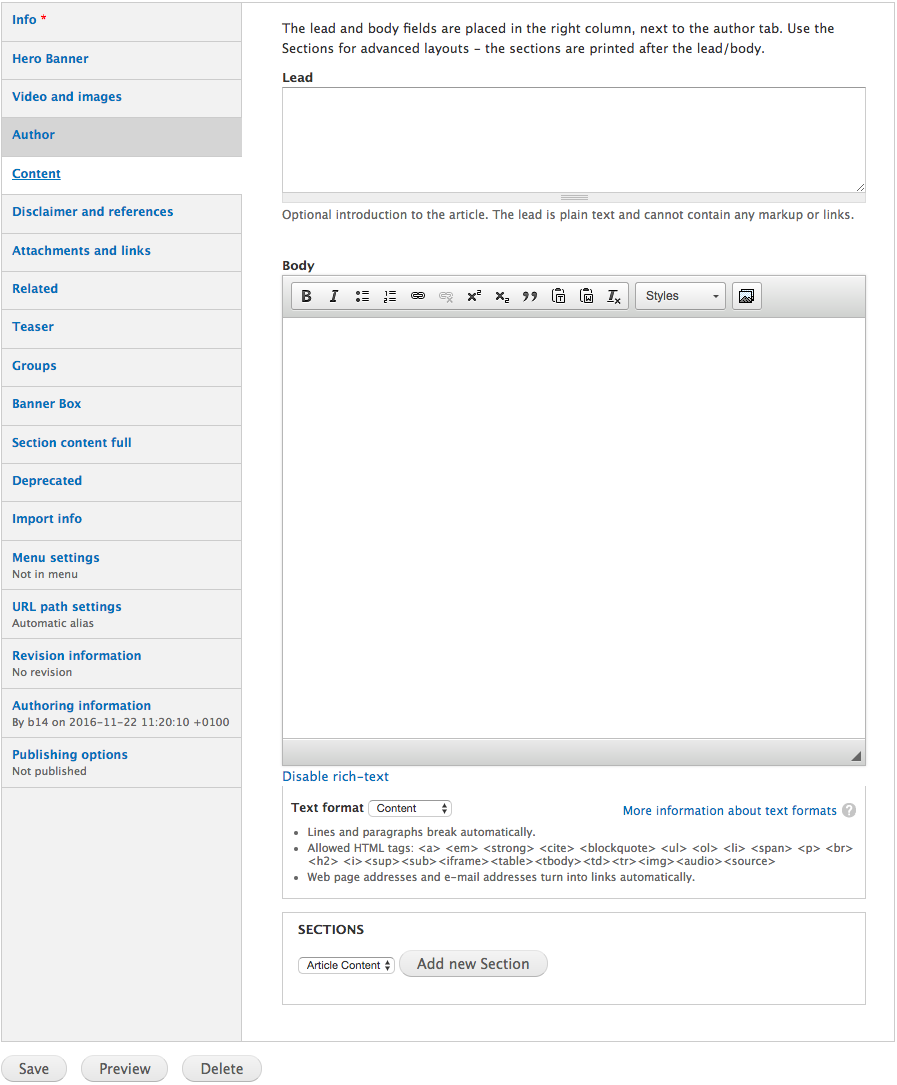
For most articles you will only need to use the Info, Video and Images, Author and Content tabs.
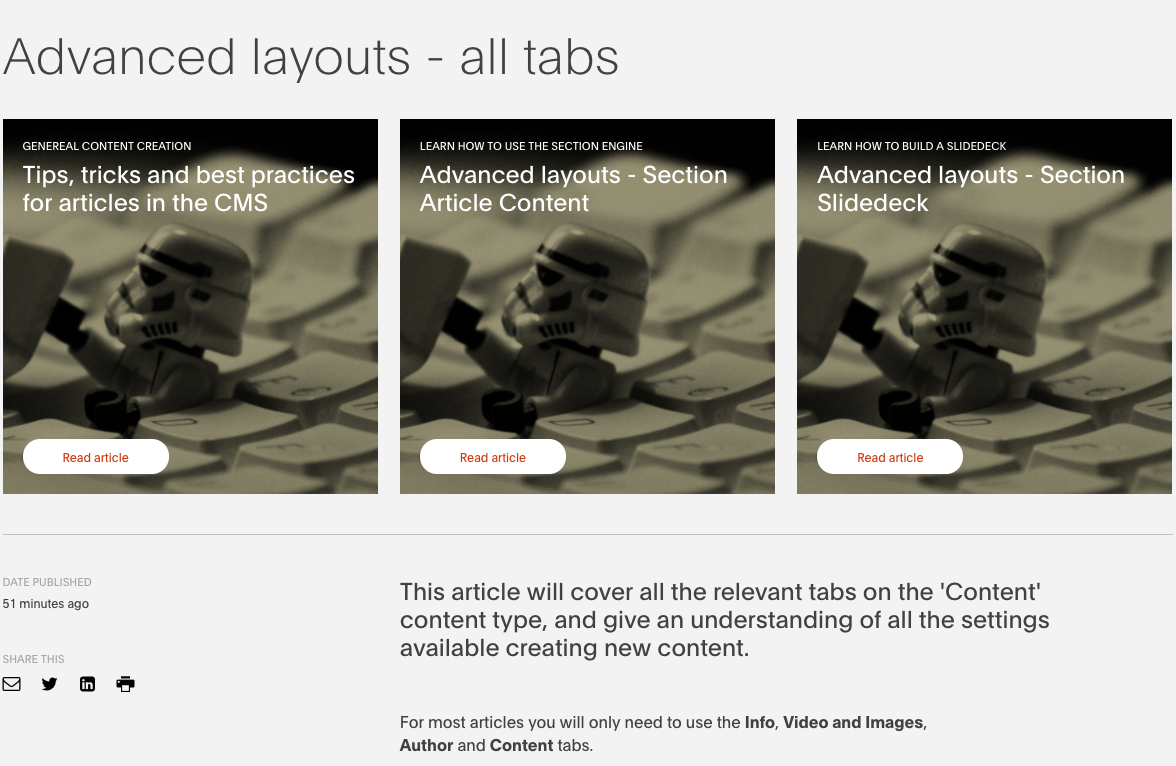
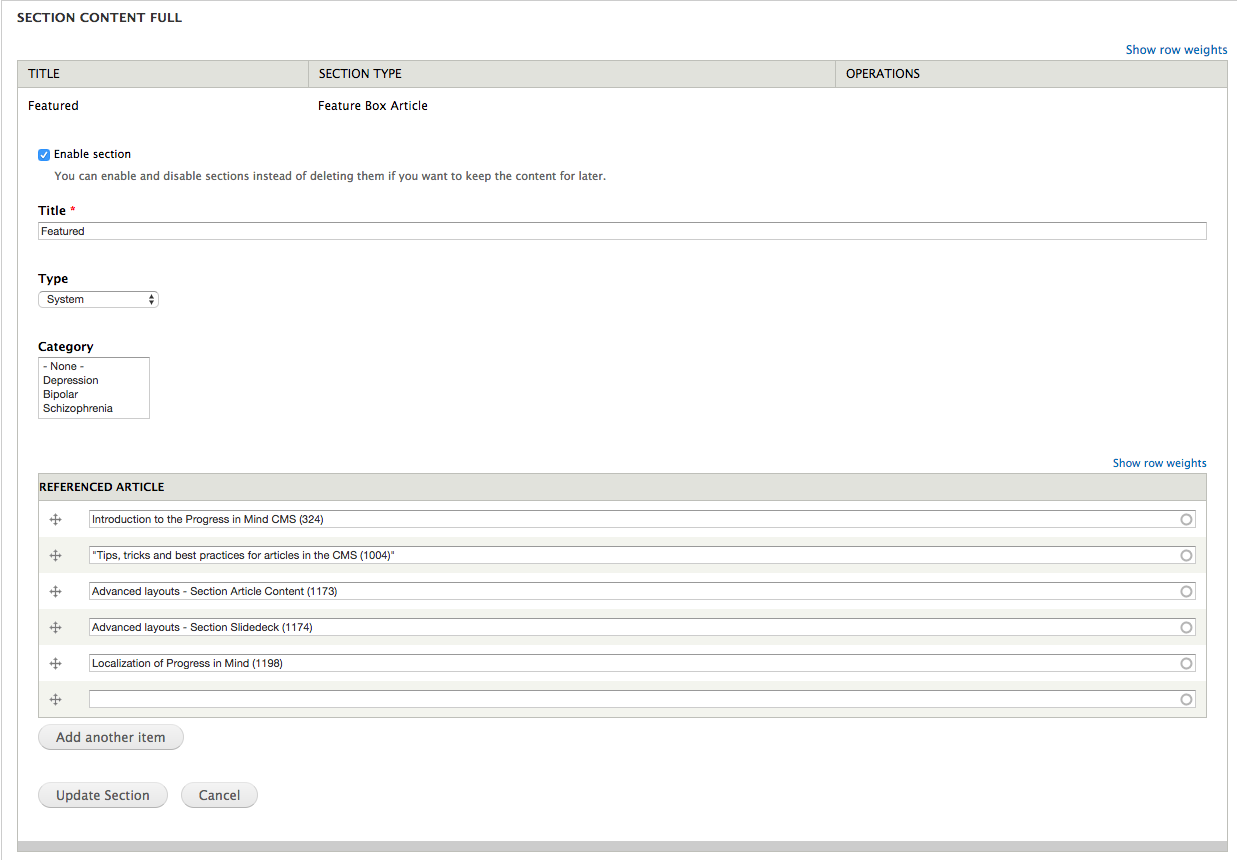
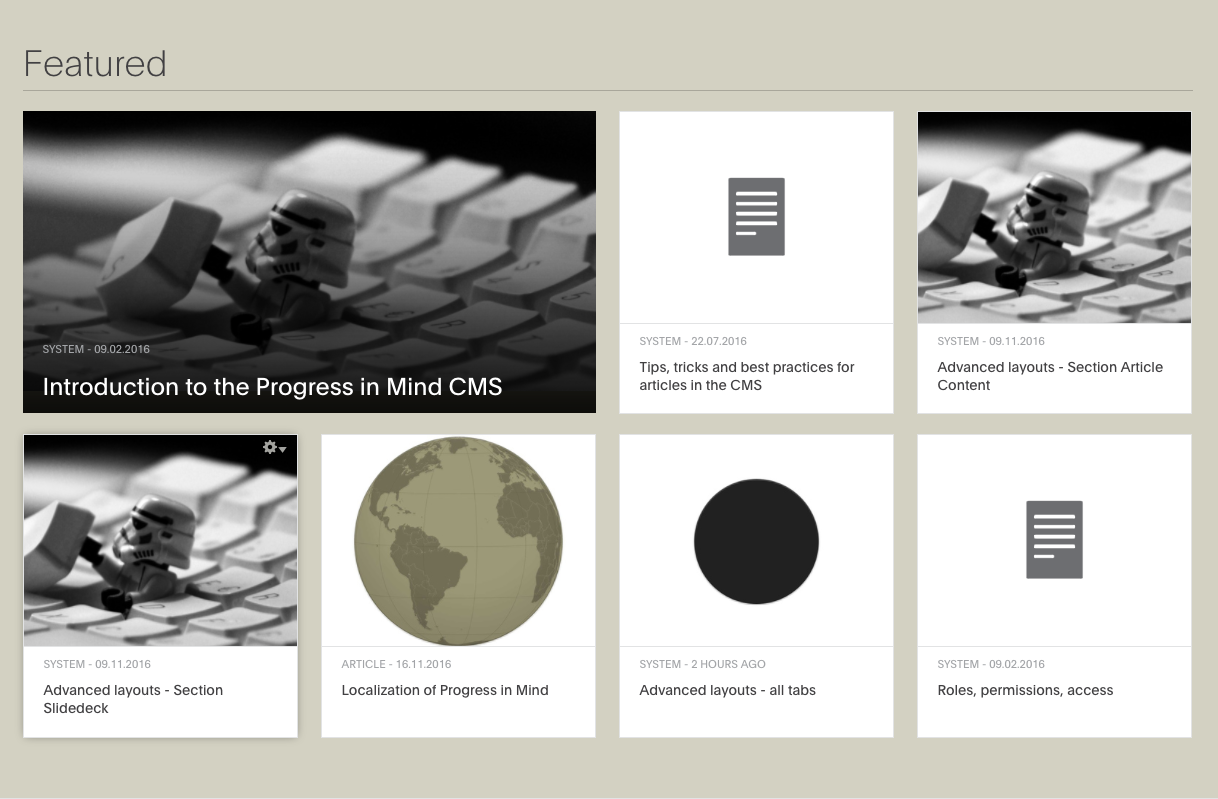
To read more about best practises and content creating, read any of the featured articles above:
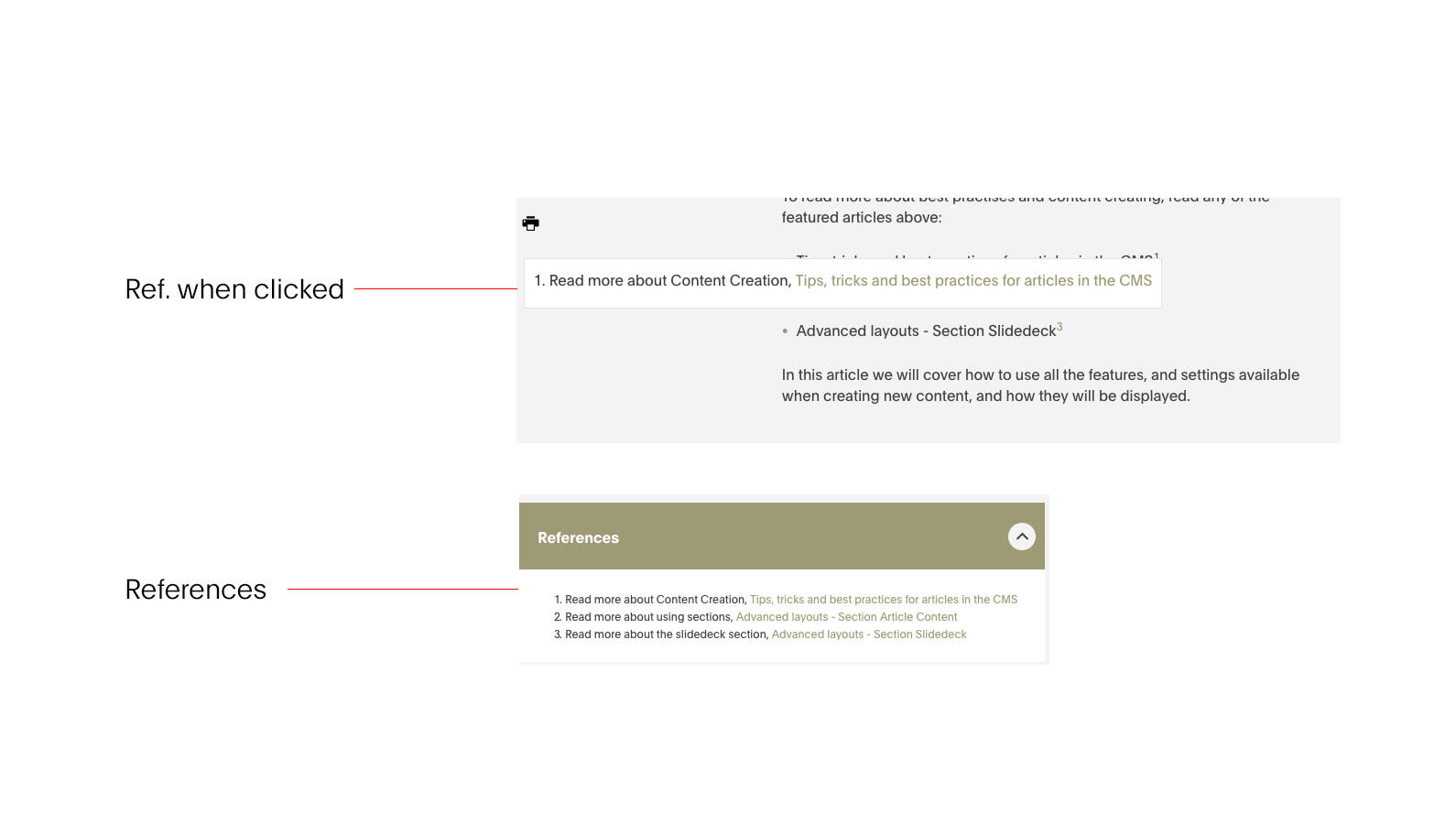
- Tips, tricks and best practices for articles in the CMS1
- Advanced layouts - Section Article Content2
- Advanced layouts - Section Slidedeck3
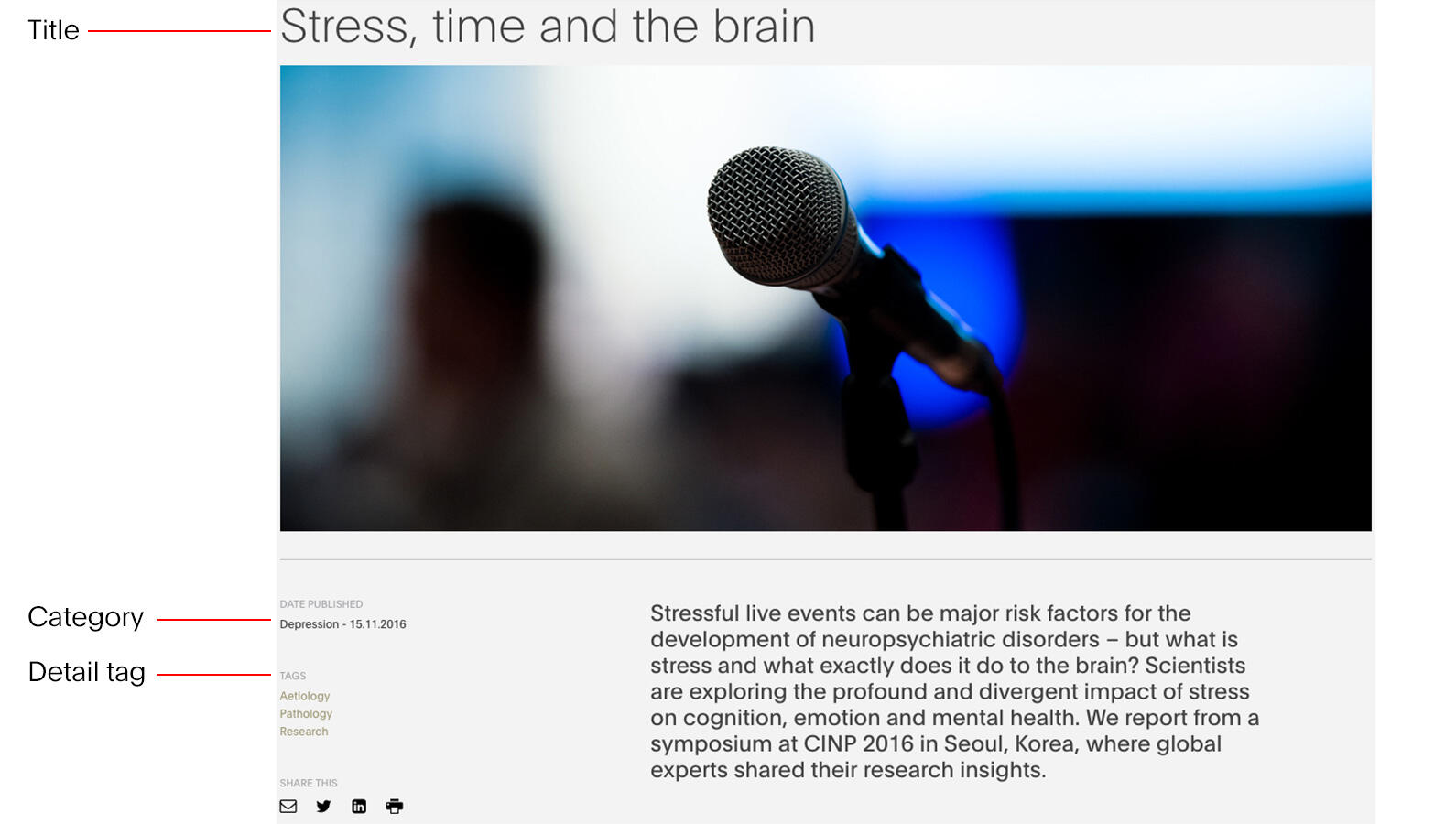
The content of an article is structured around a top, middle and bottom block.
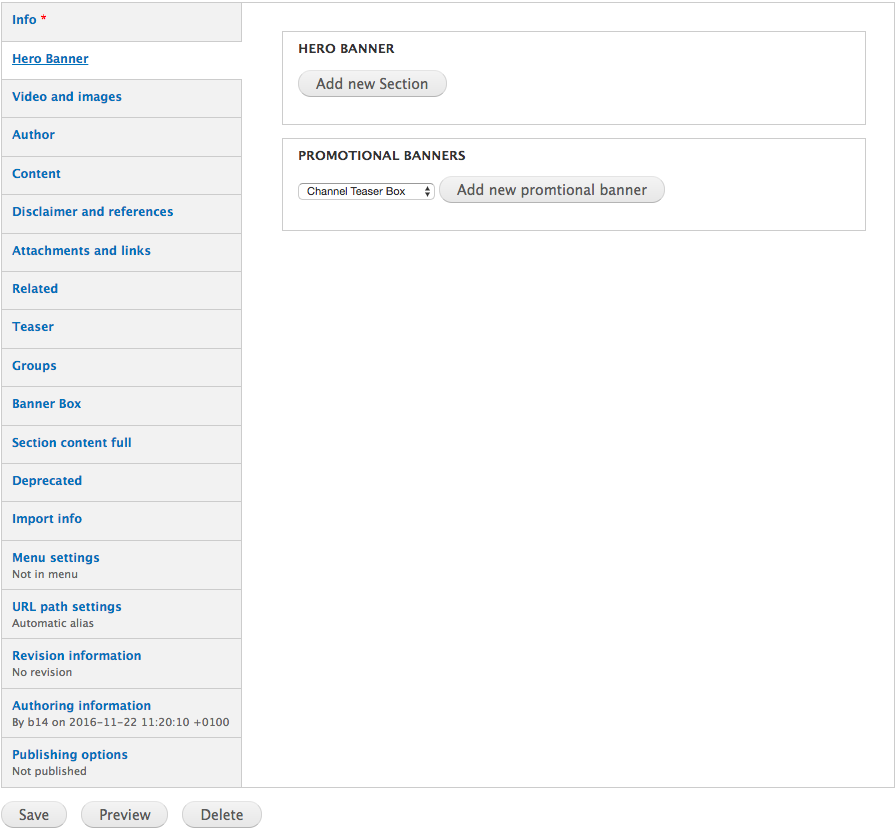
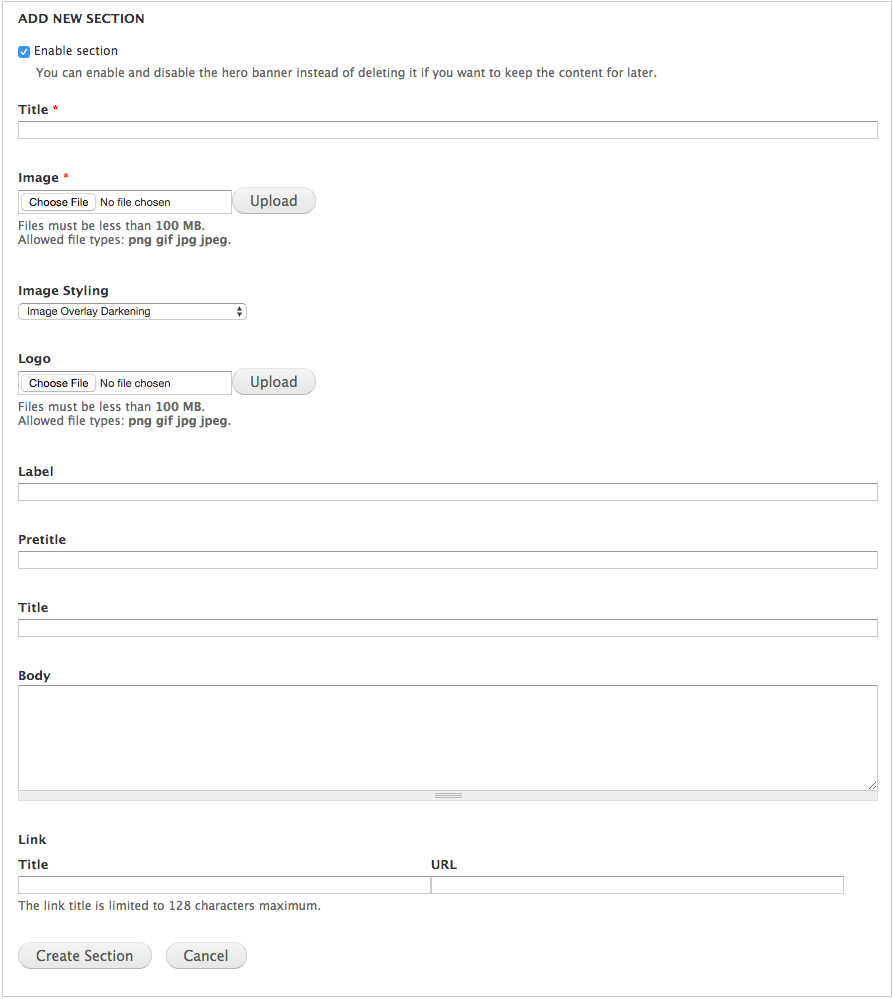
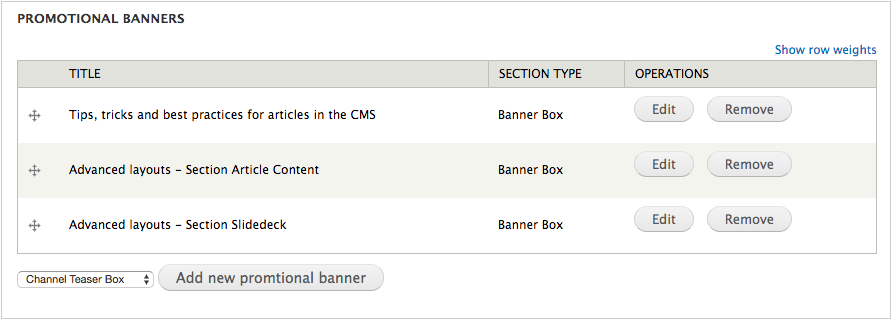
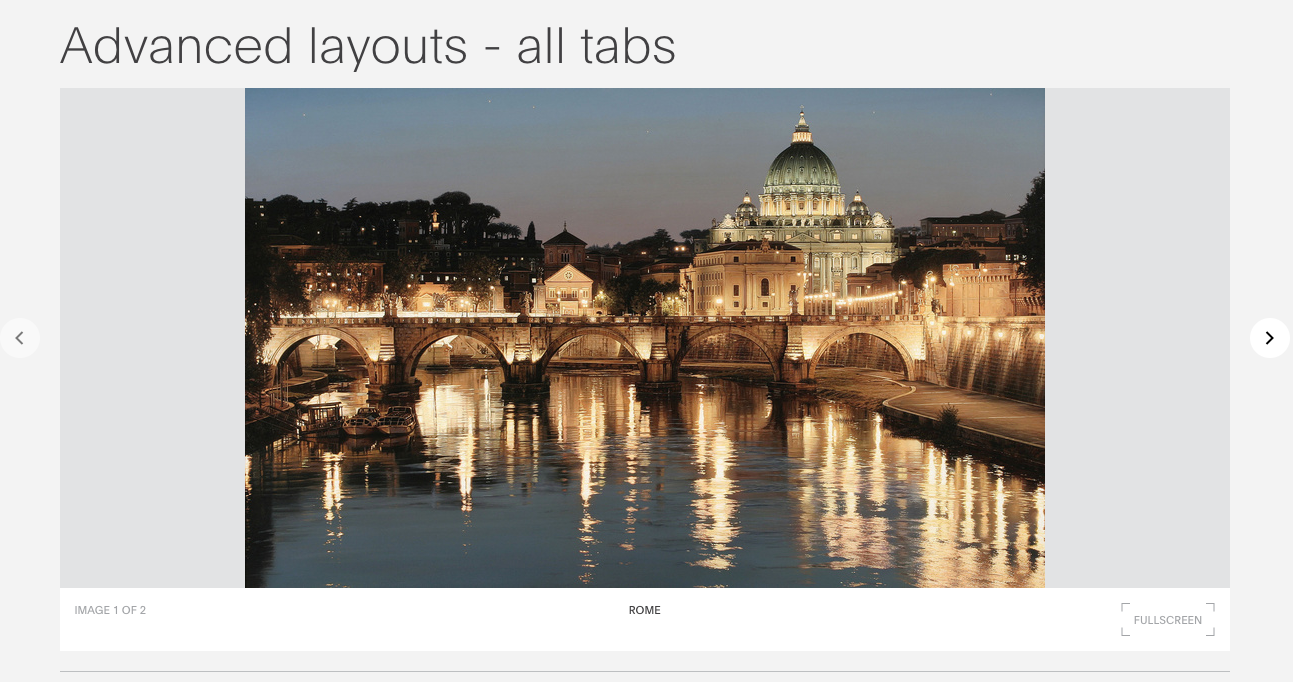
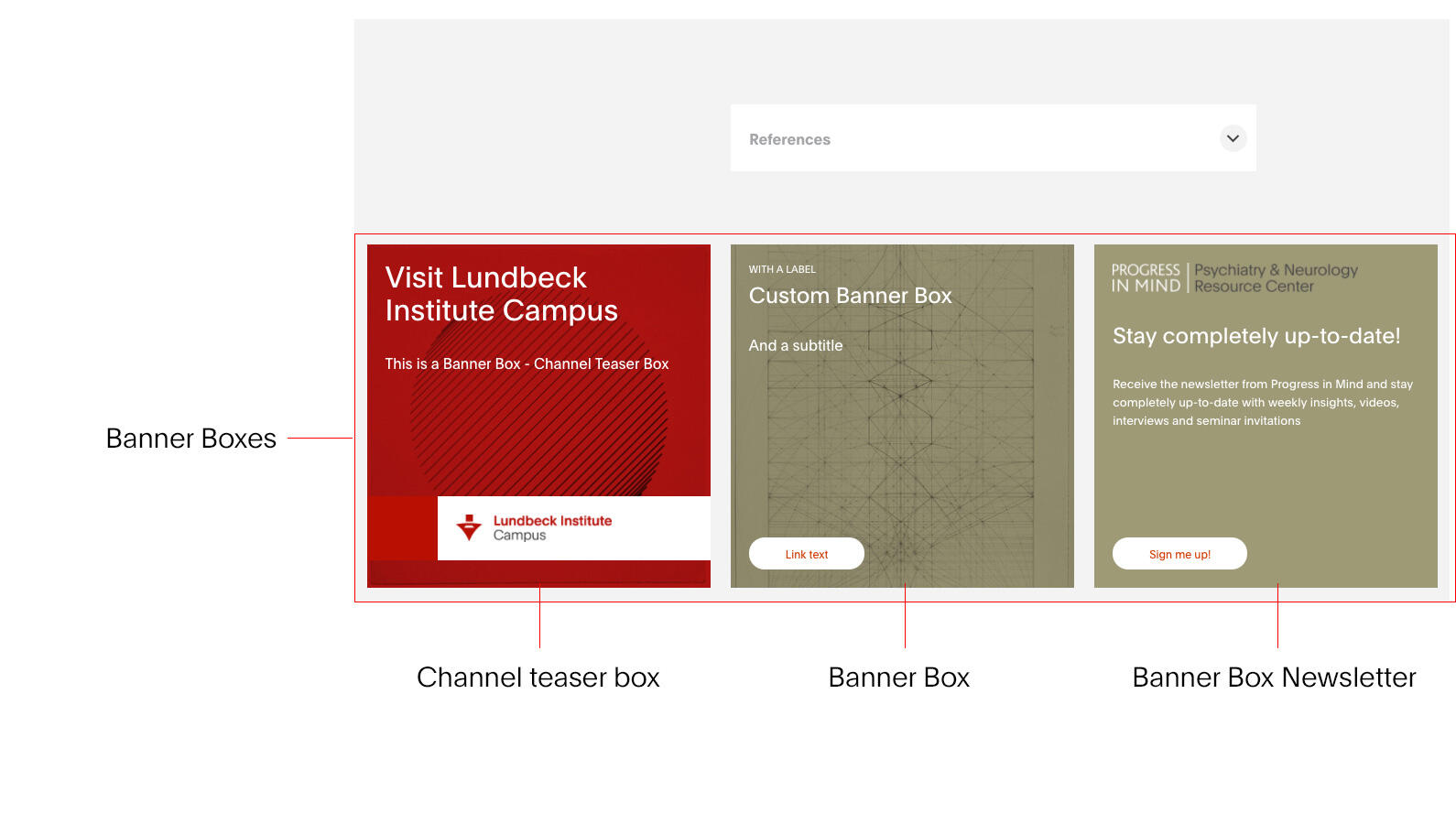
- The Top block holds the title, image(s)/video (and can be enhanced with a Hero Banner and Promotional Banners)
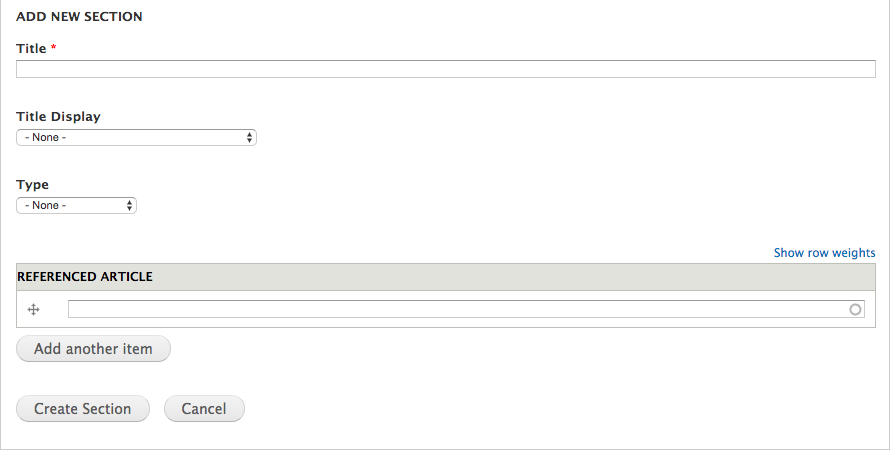
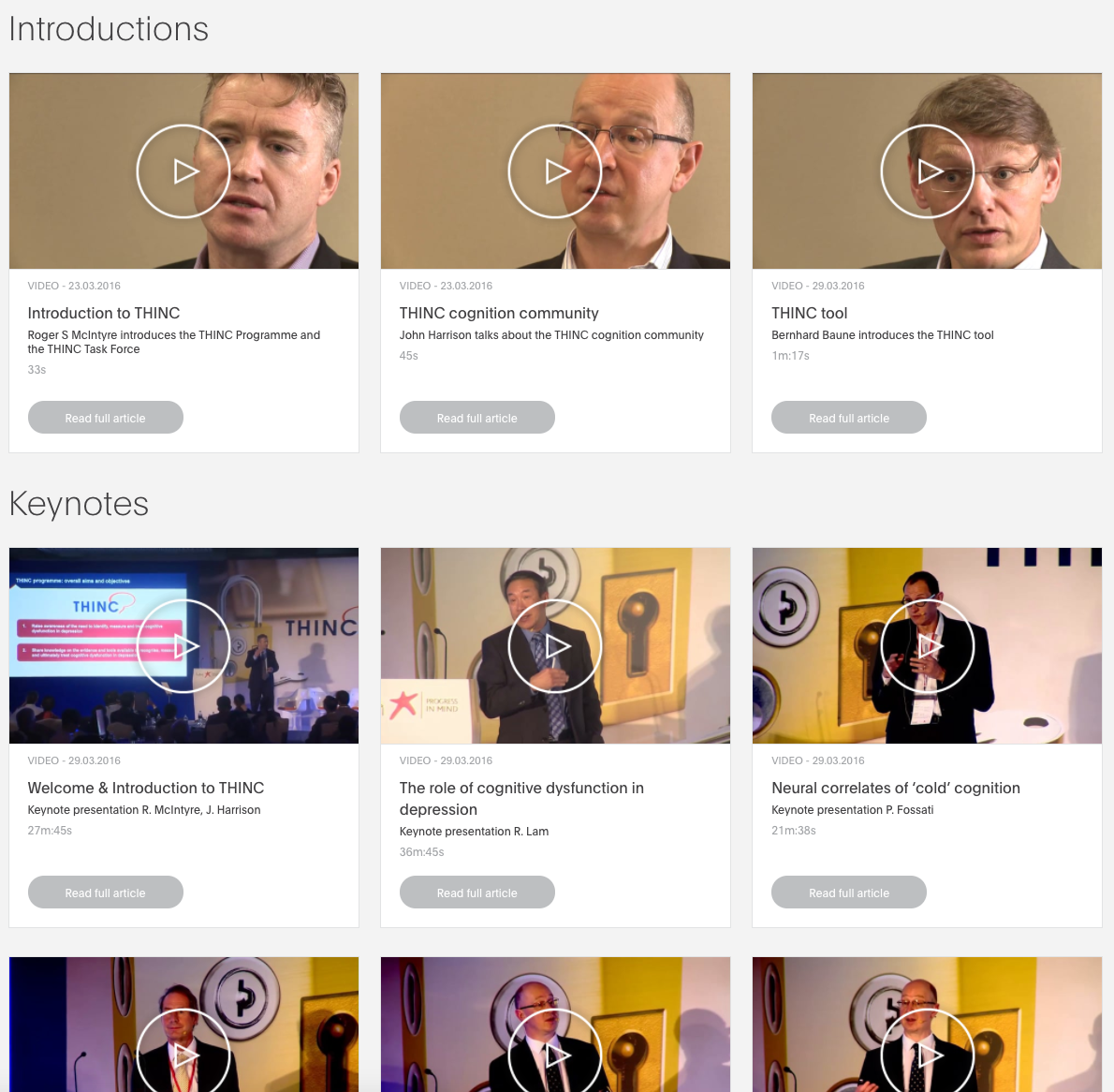
- The Middle block holds the main content: Meta descriptions, Content and Sections (enriched content).
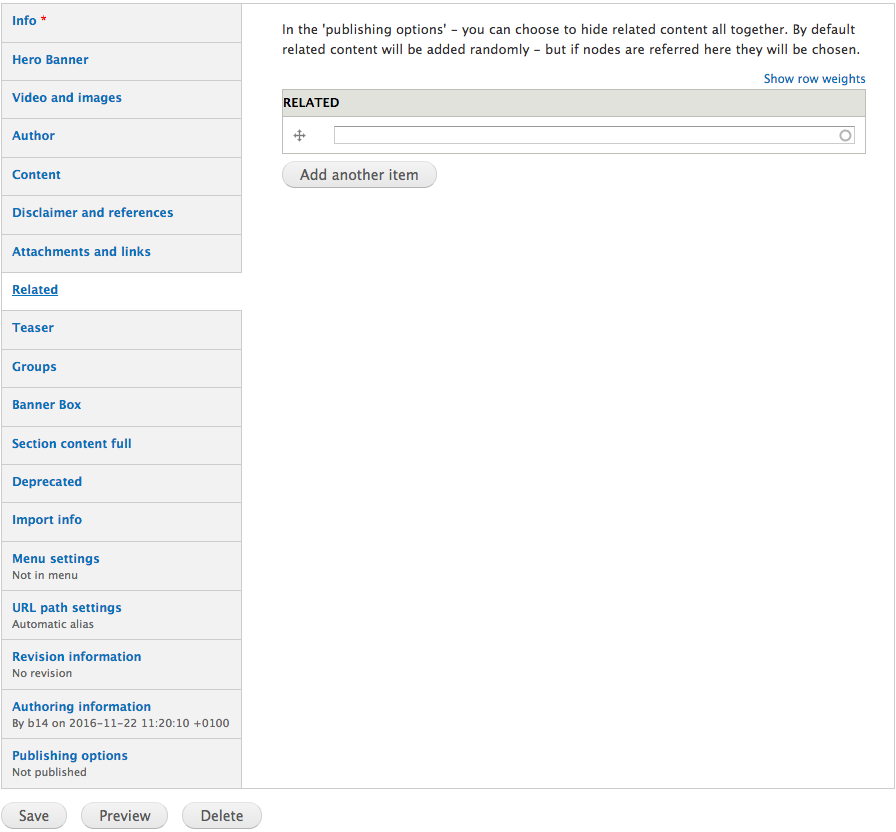
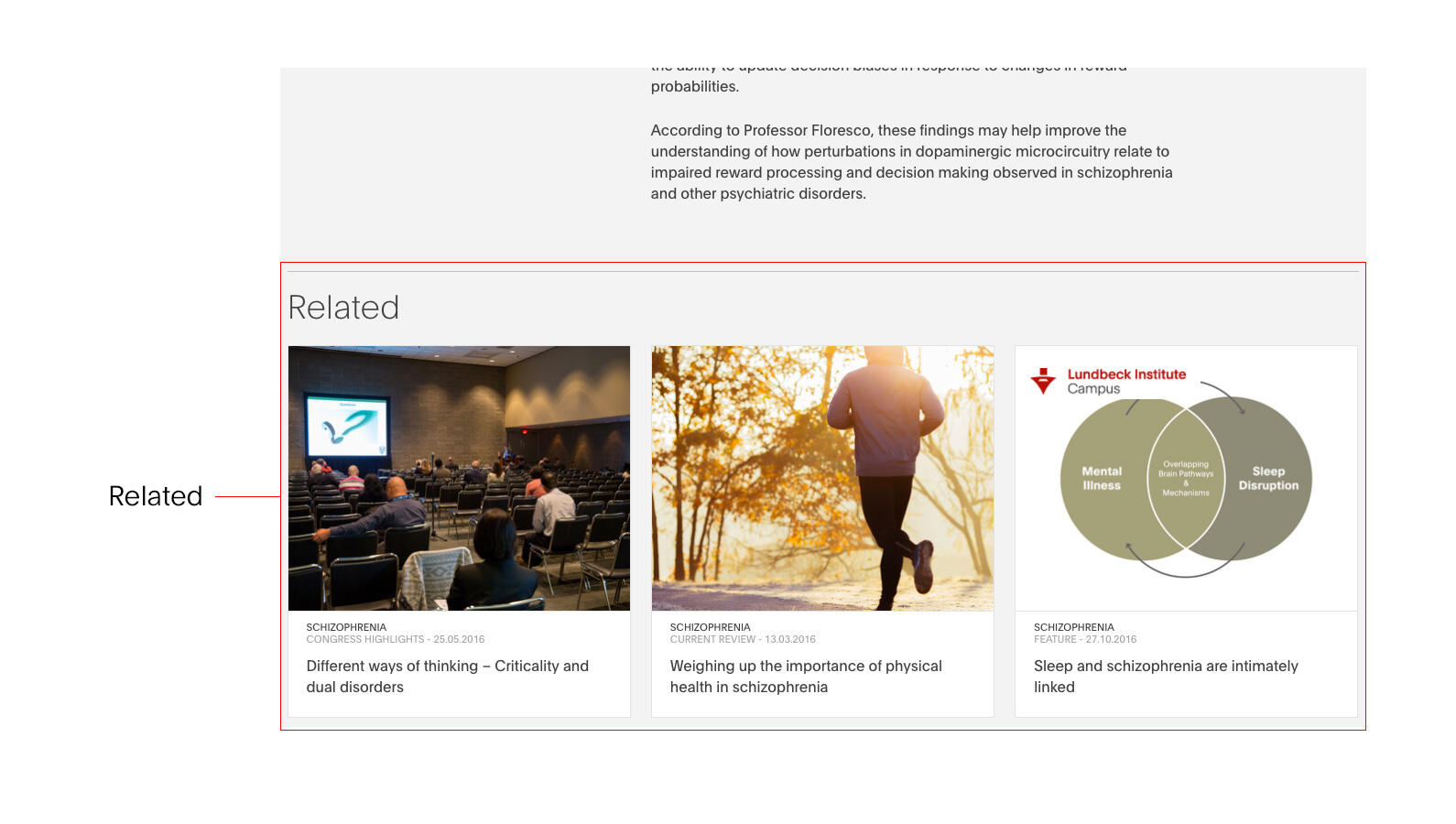
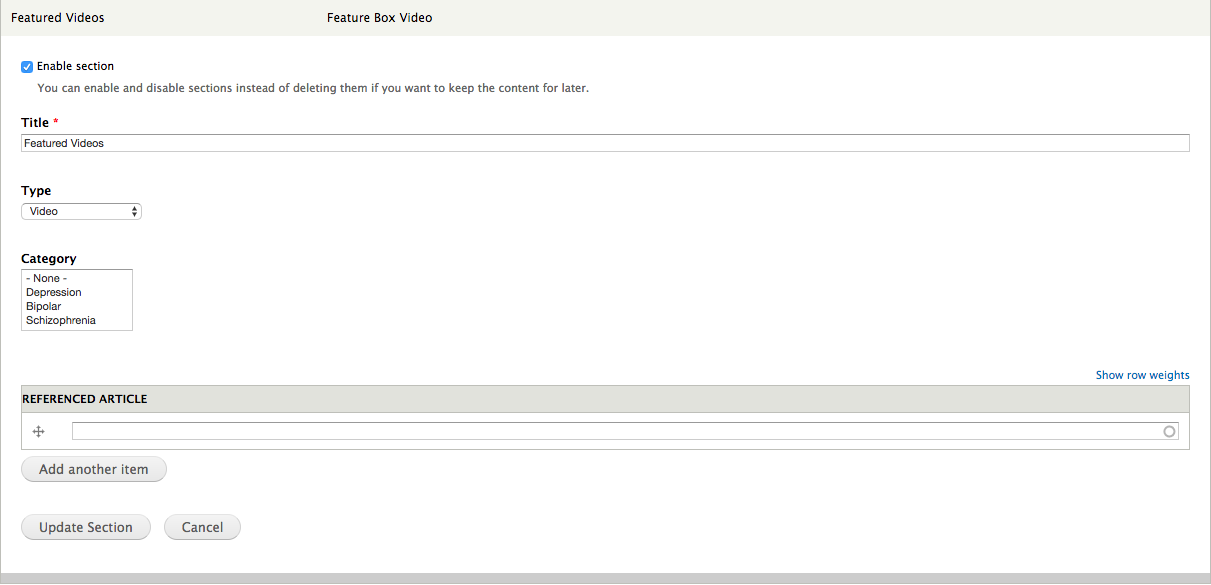
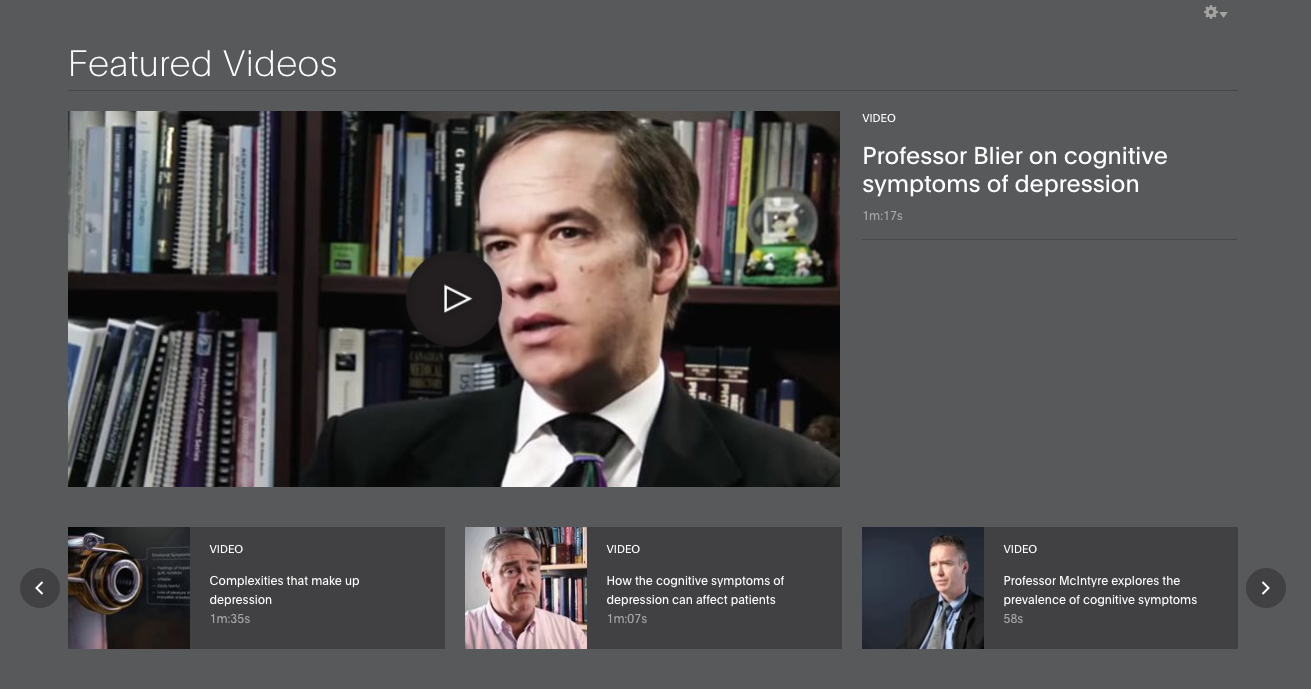
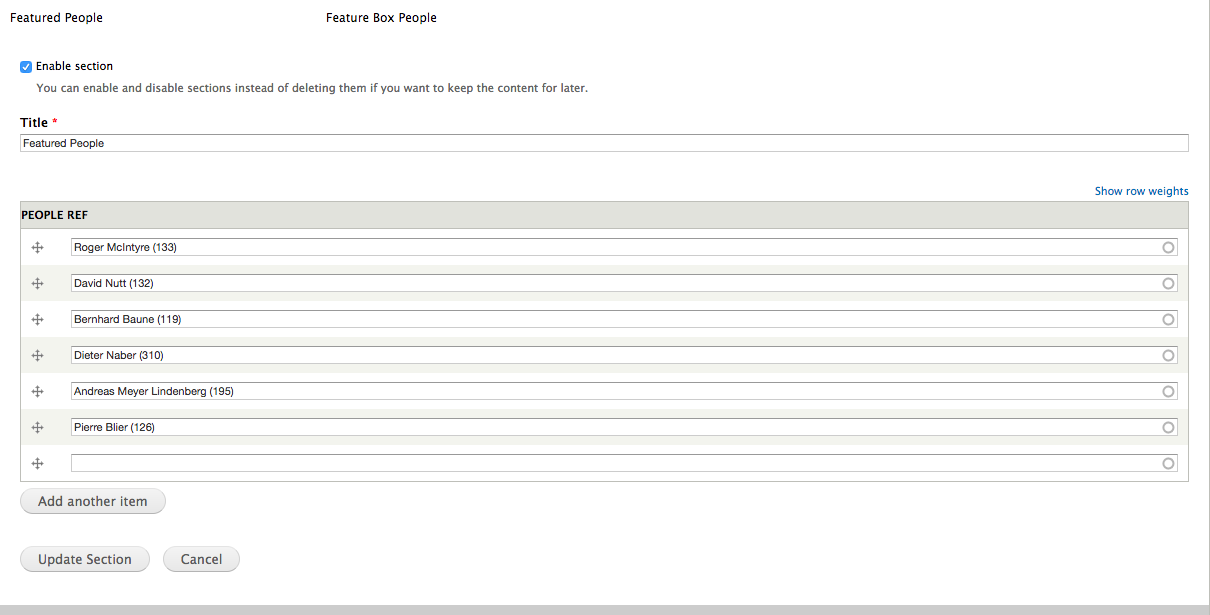
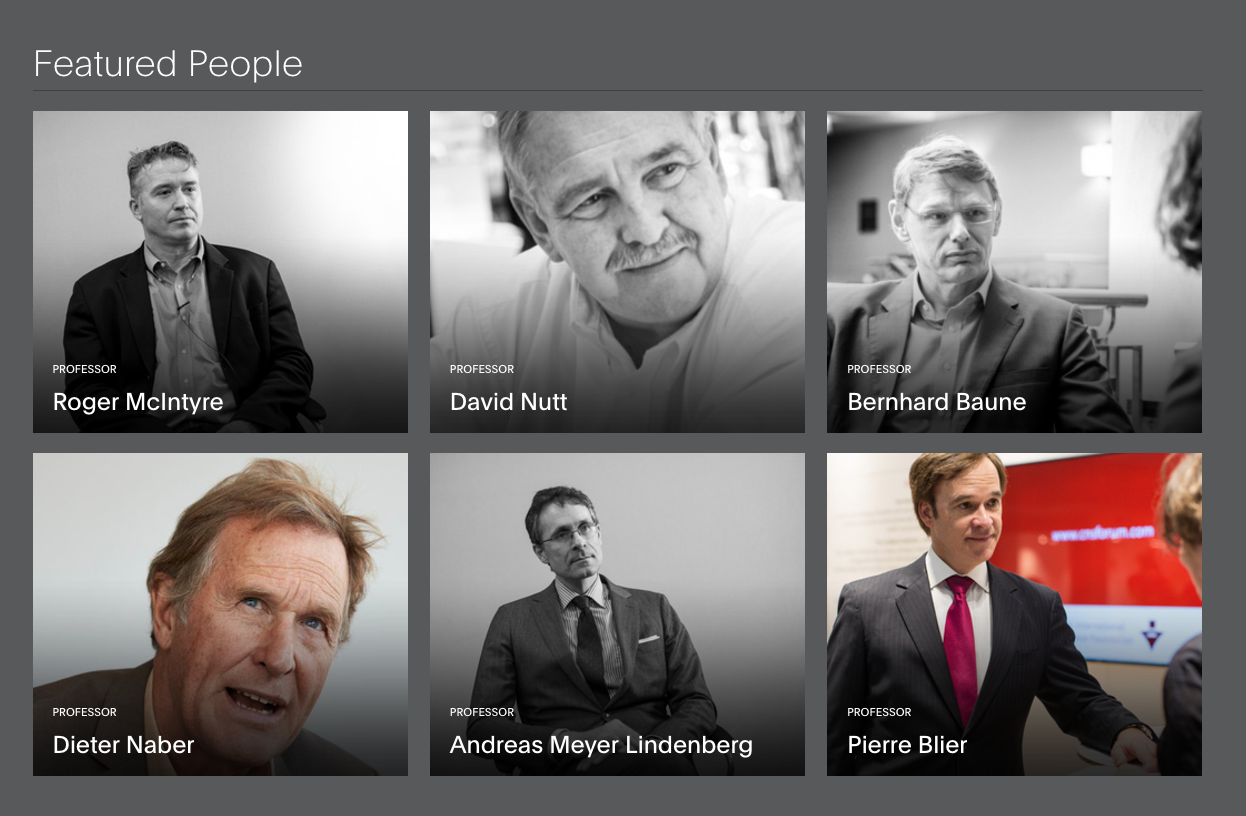
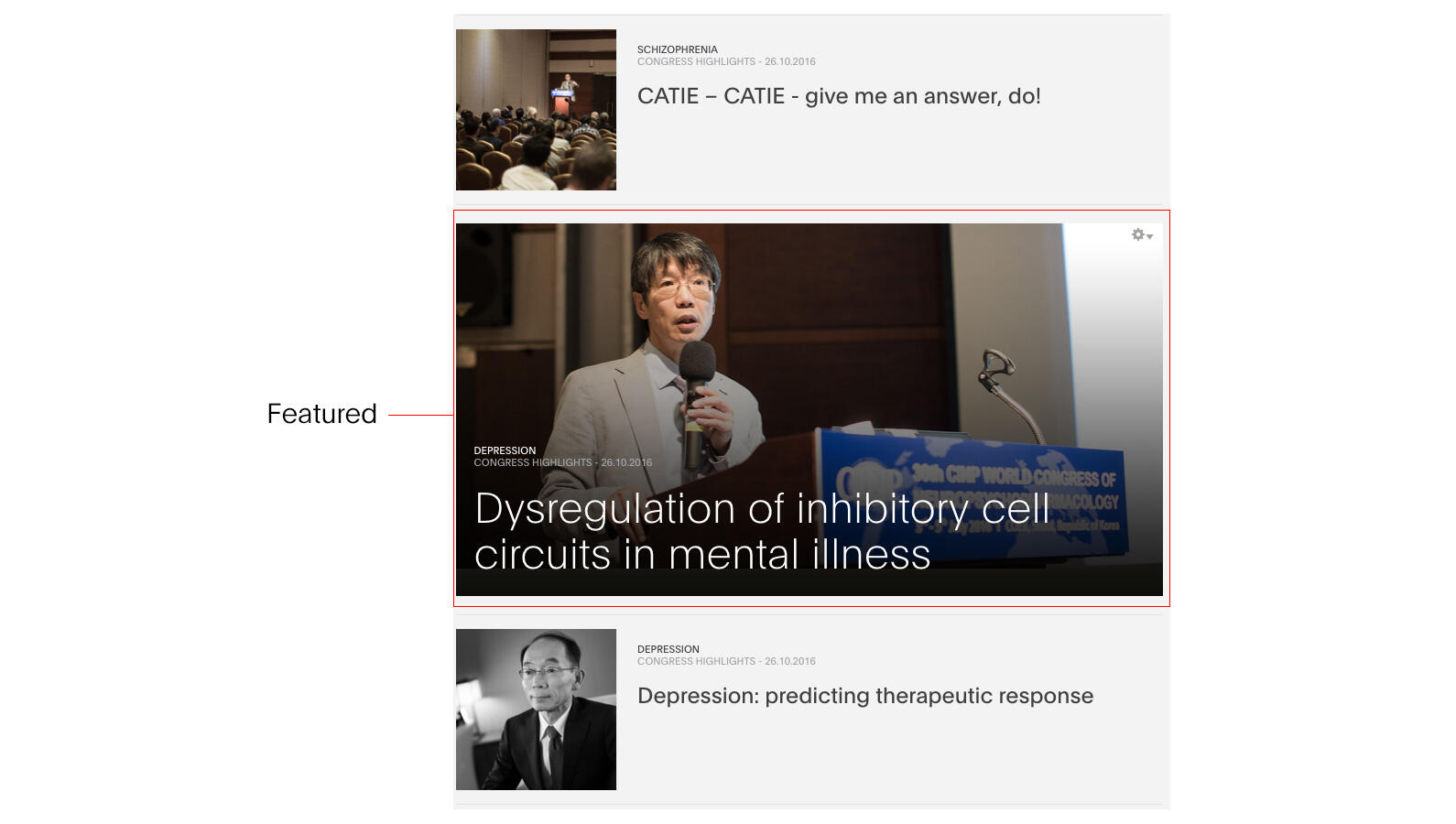
- The Bottom block holds related and featured material.
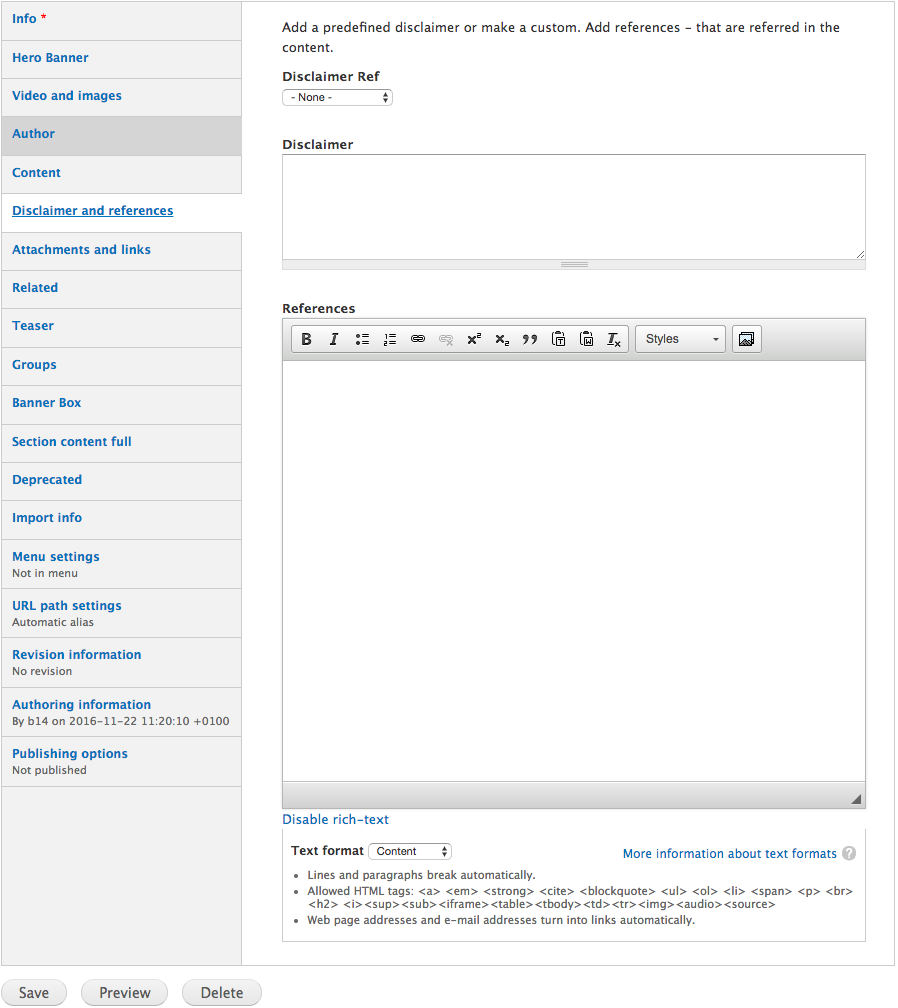
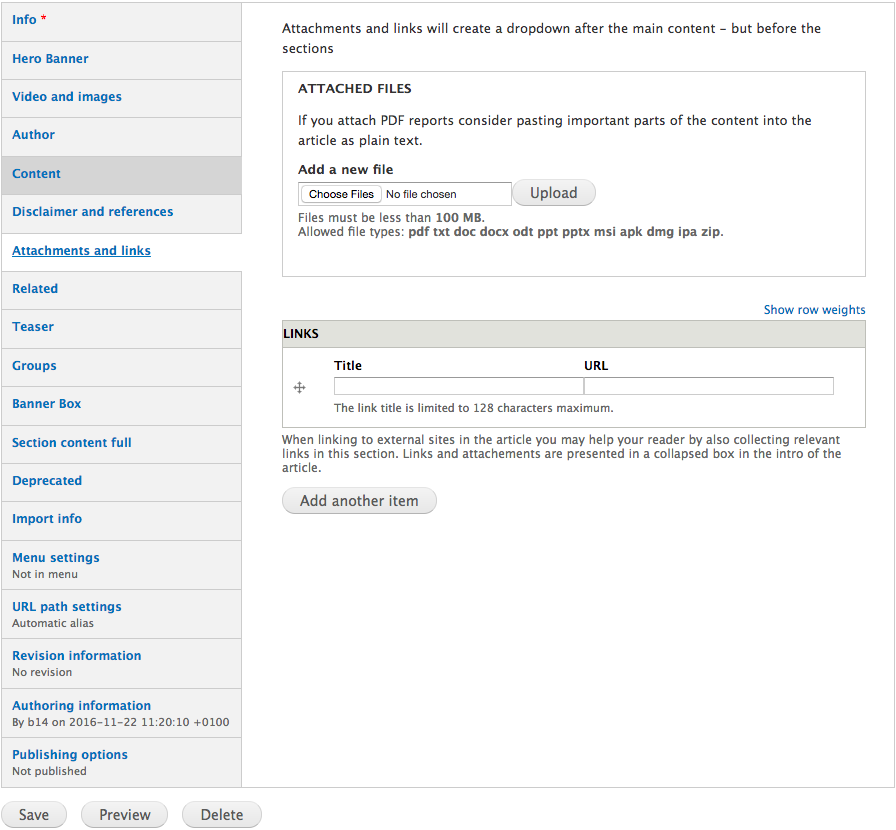
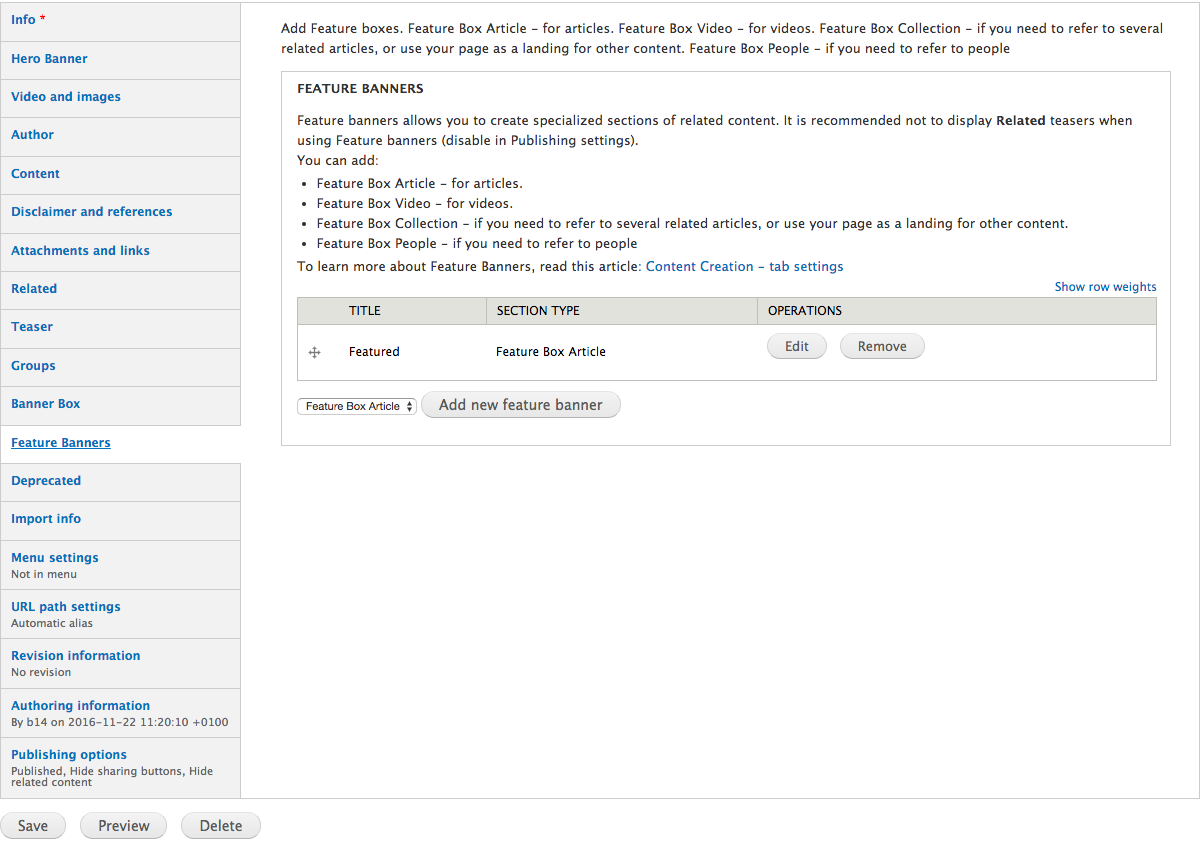
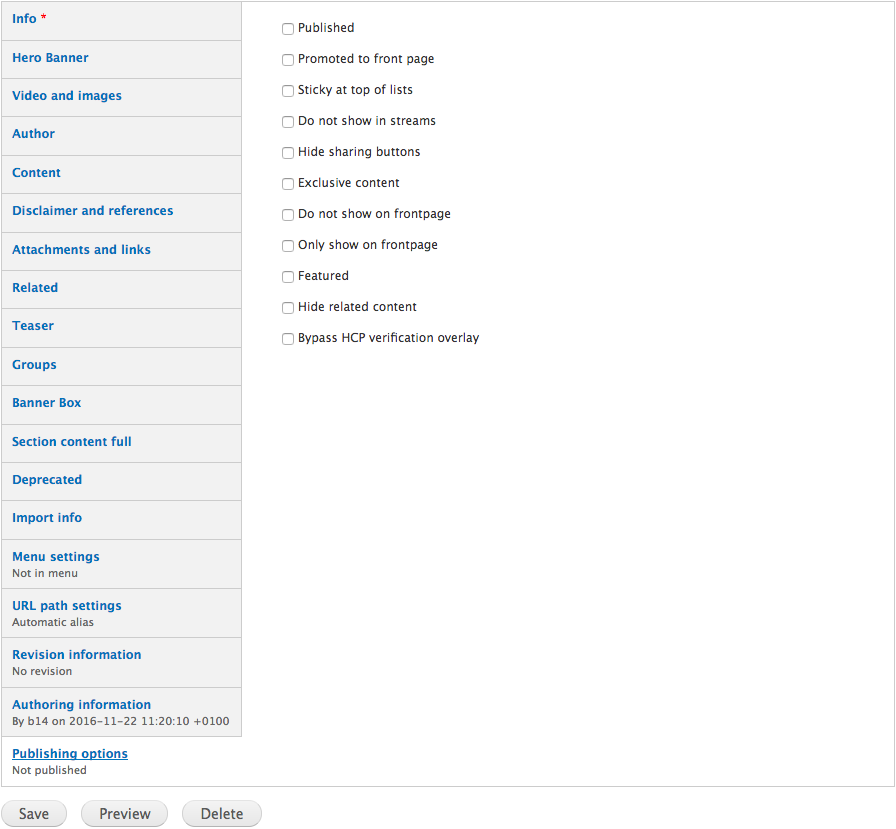
All the options are organized in the left side tabs when editing your content, to give you an easy and semantic overview of your content.
In this article you will learn how, what and where to edit your content, to create inspiring content for your users.
Thats about it.
Go ahead and play around creating content - just remember to keep the article unpublished.
Good luck!
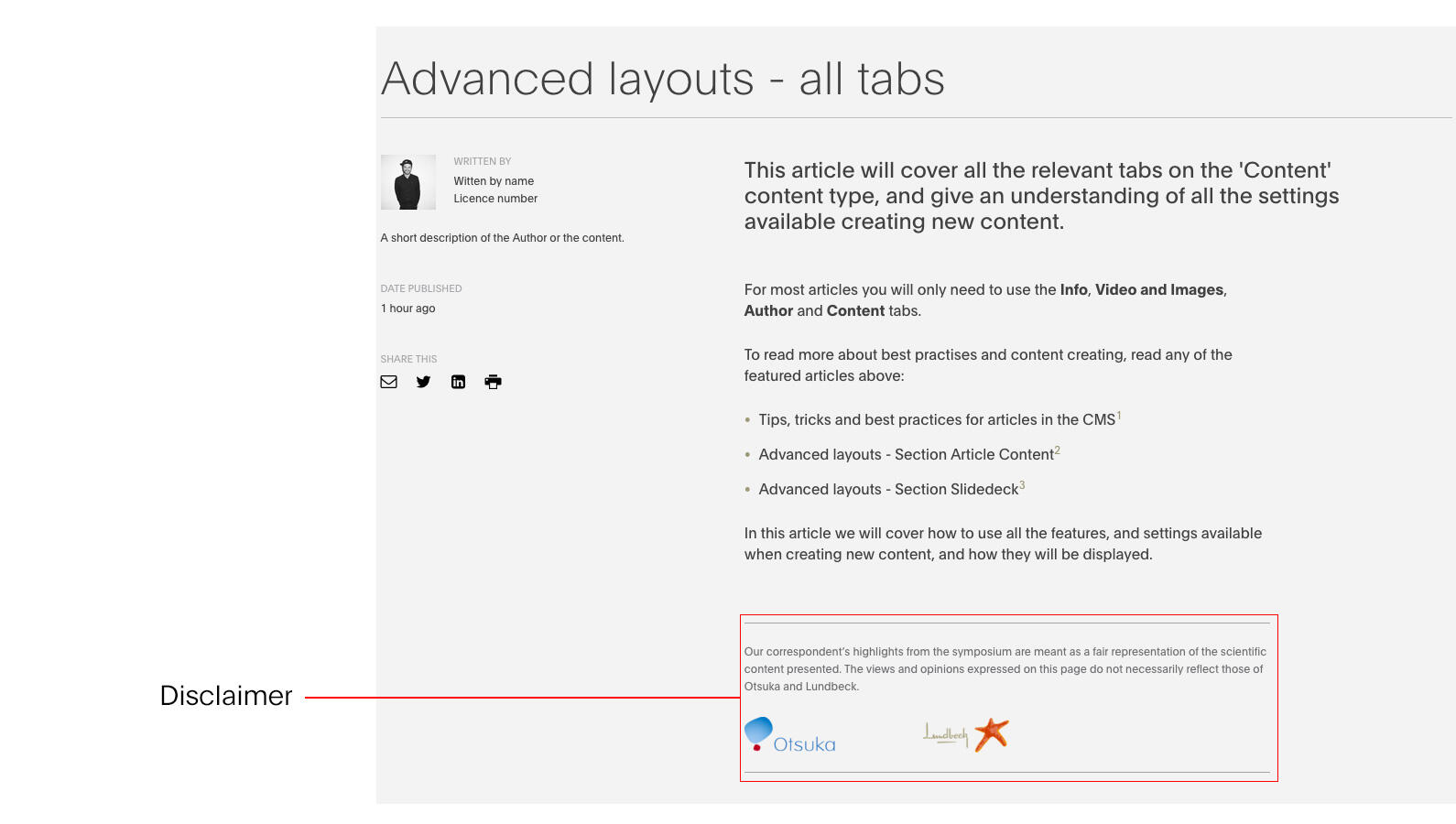
Custom disclaimer. This article is for content editors, that needs a comprehensive understanding of all the settings available creating and editing content.